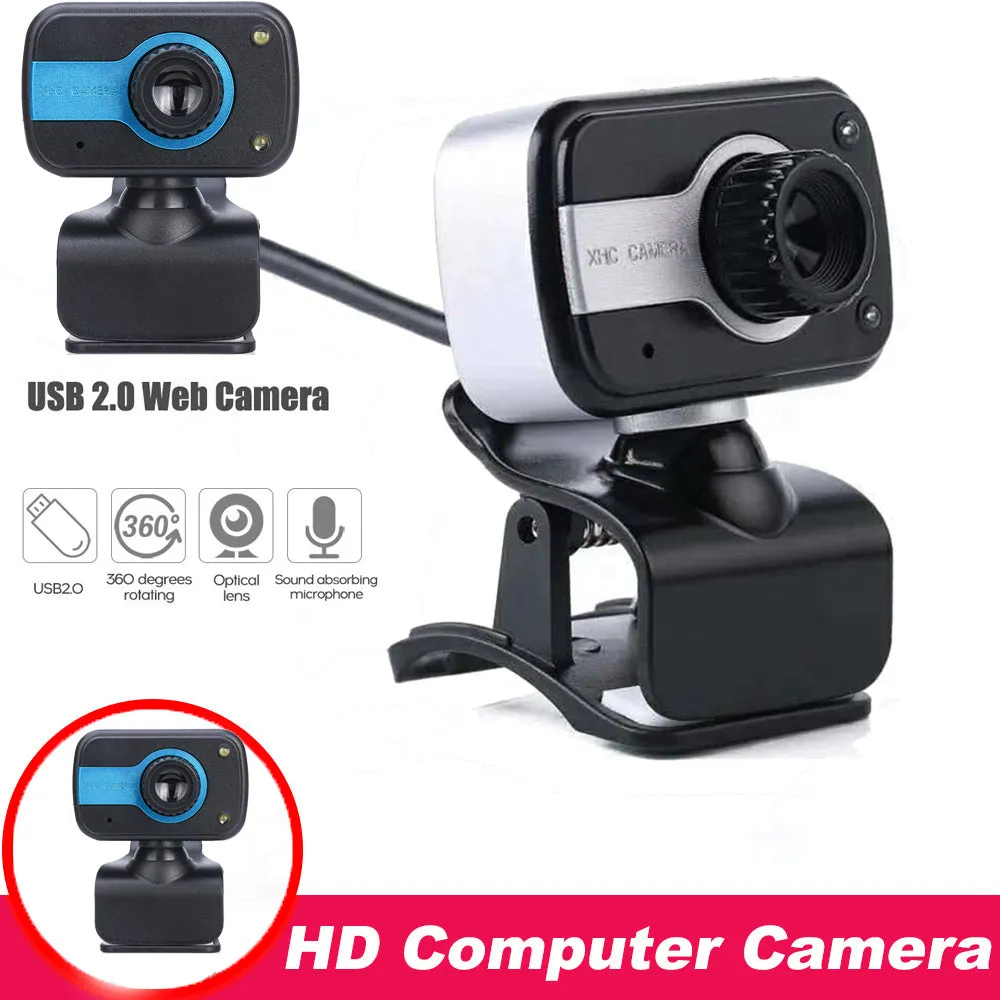
Mini driverless video camera for web conferencing with manual focal length adjustment, high-definition 12MP CMOS sensor, built-in microphone, 1.45 metre cable, and 360-degree rotation for multi-angle use.


Mini driverless video camera for web conferencing with manual focal length adjustment, high-definition 12MP CMOS sensor, built-in microphone, 1.45 metre cable, and 360-degree rotation for multi-angle use.
Mini Driverless USB Video Camera with 12MP Sensor and 360-Degree Rotation
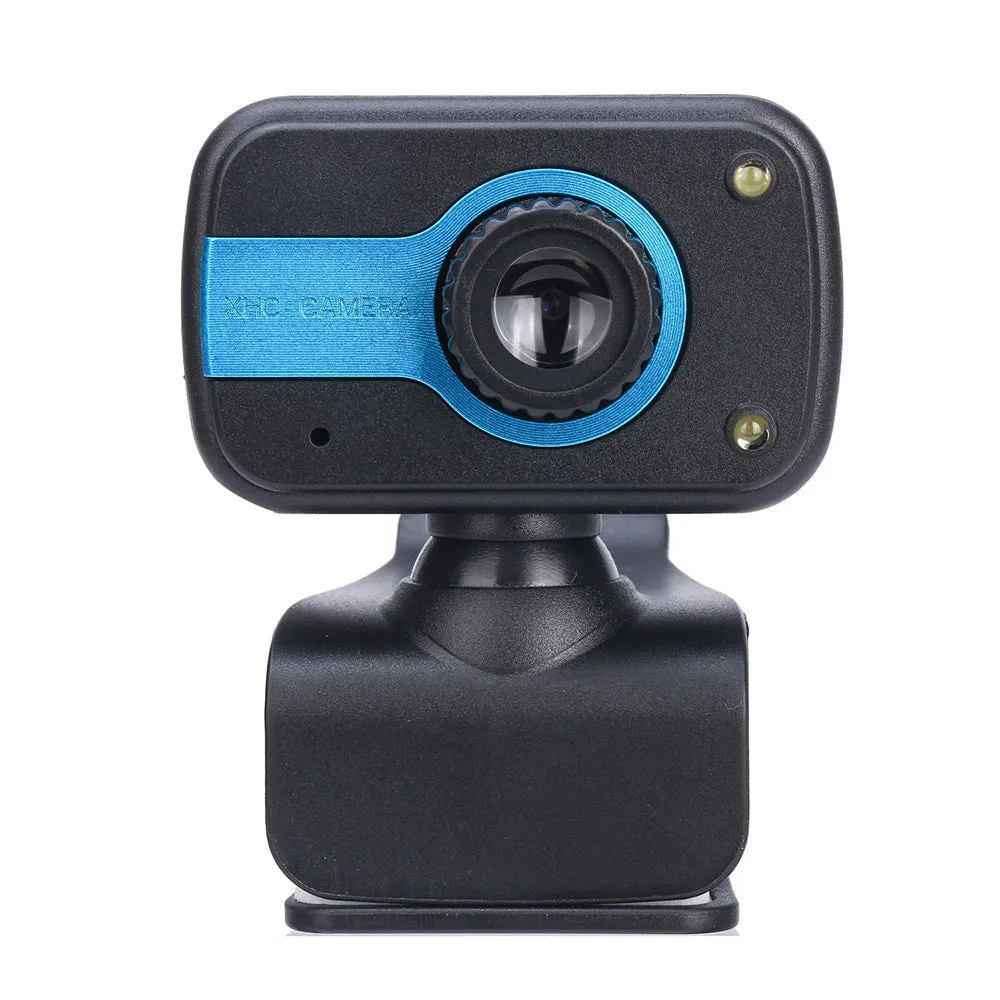
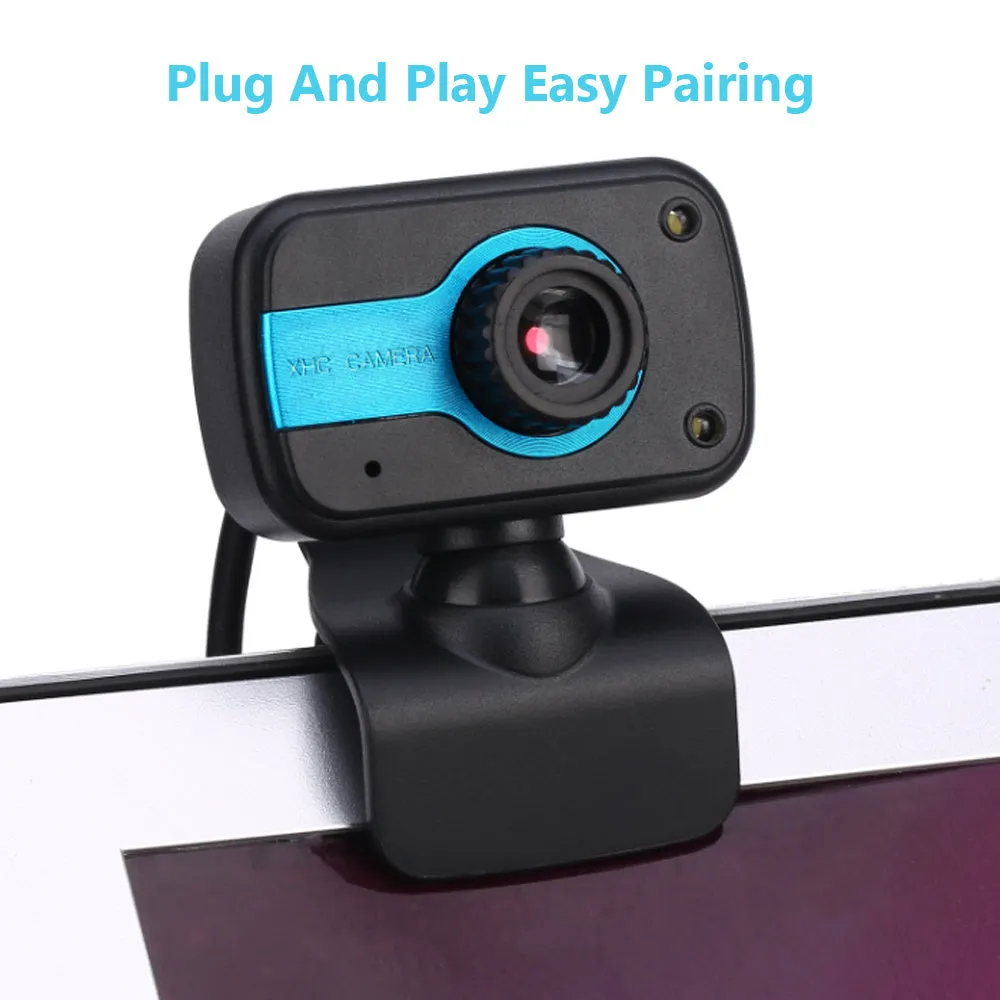
This compact, driverless video camera is designed as a plug-and-play accessory for laptops and desktop monitors, requiring no external software installation for basic functionality on supported Windows operating systems. Its core purpose is to facilitate clear video communication for web conferencing, online meetings, and personal messaging. The 1.45 metre integrated USB cable provides a practical reach from your computer, and the device draws power directly through this connection, eliminating the need for separate batteries or a power adapter. With support for platforms like Skype, Yahoo Messenger, MSN, ICQ, and NetMeeting, it integrates into most common digital communication workflows.
Features and Construction
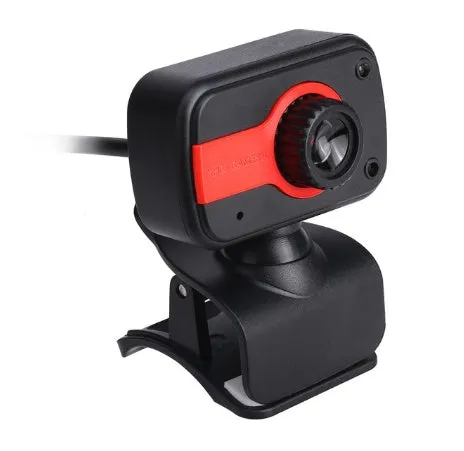
The camera is built around key components that deliver its primary functions of video capture, audio input, and flexible positioning. Its design prioritises straightforward connectivity and user-adjustable settings over complex software suites.
Image Sensor and Control
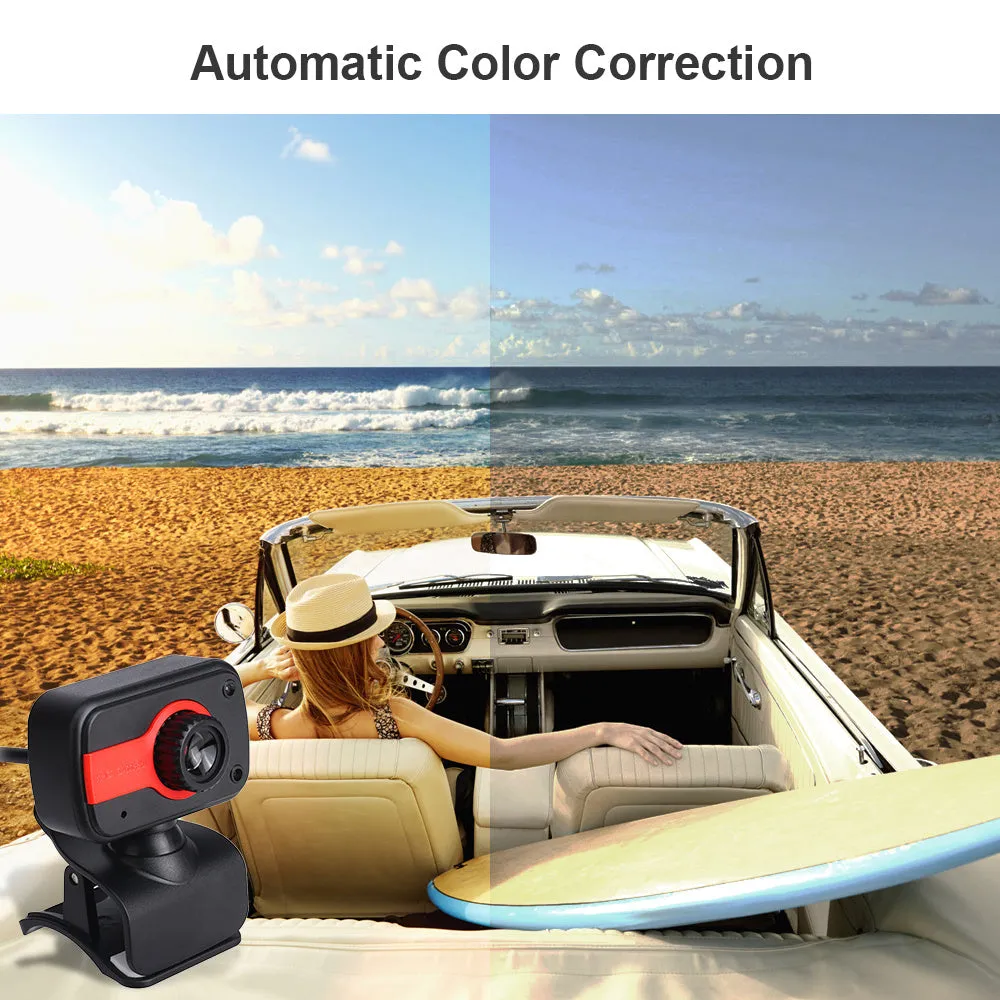
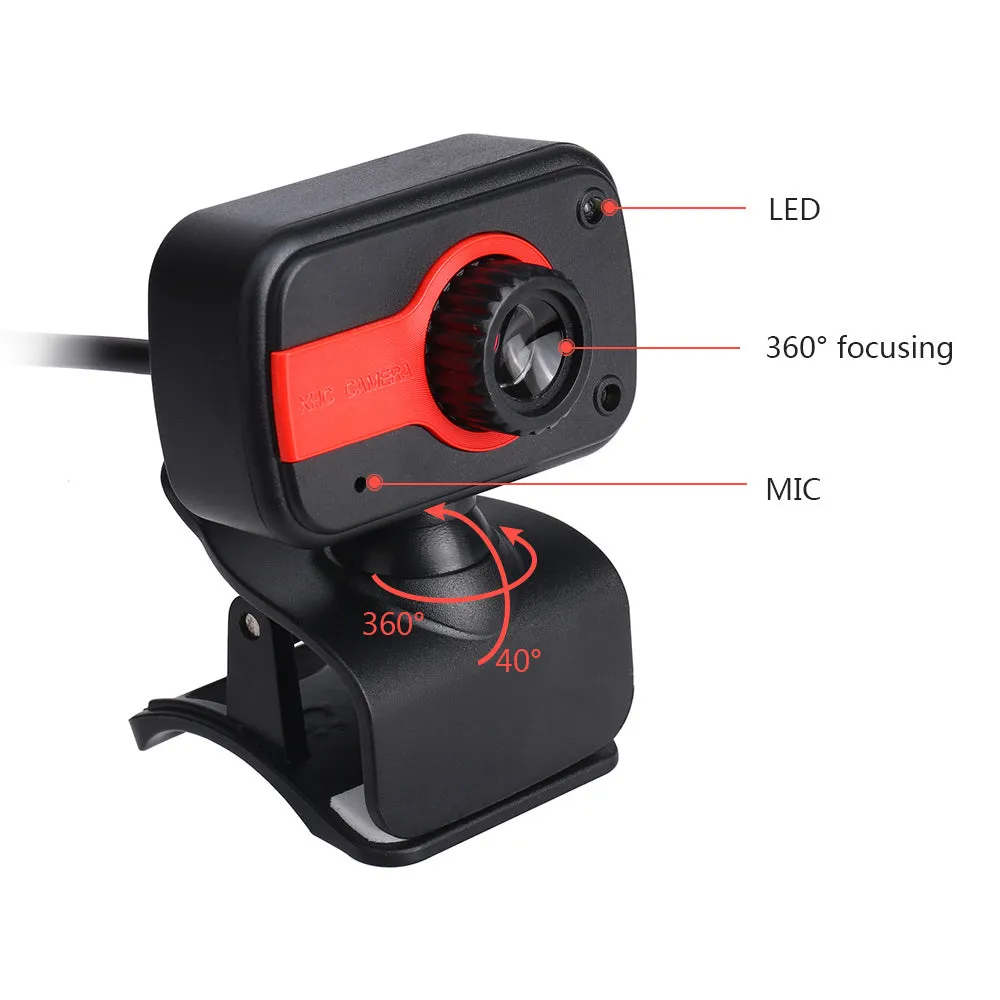
At the heart of the device is a 12-megapixel CMOS image sensor, which captures high-definition video footage. Unlike many fixed-focus webcams, this model allows for manual adjustment of the focal length, giving you direct control over the sharpness and focus of the image. This can be particularly useful for framing specific subjects or documents. The camera also employs automatic white balance and automatic exposure correction, which work to maintain consistent colour and brightness levels as your room lighting changes.
Audio and Physical Design
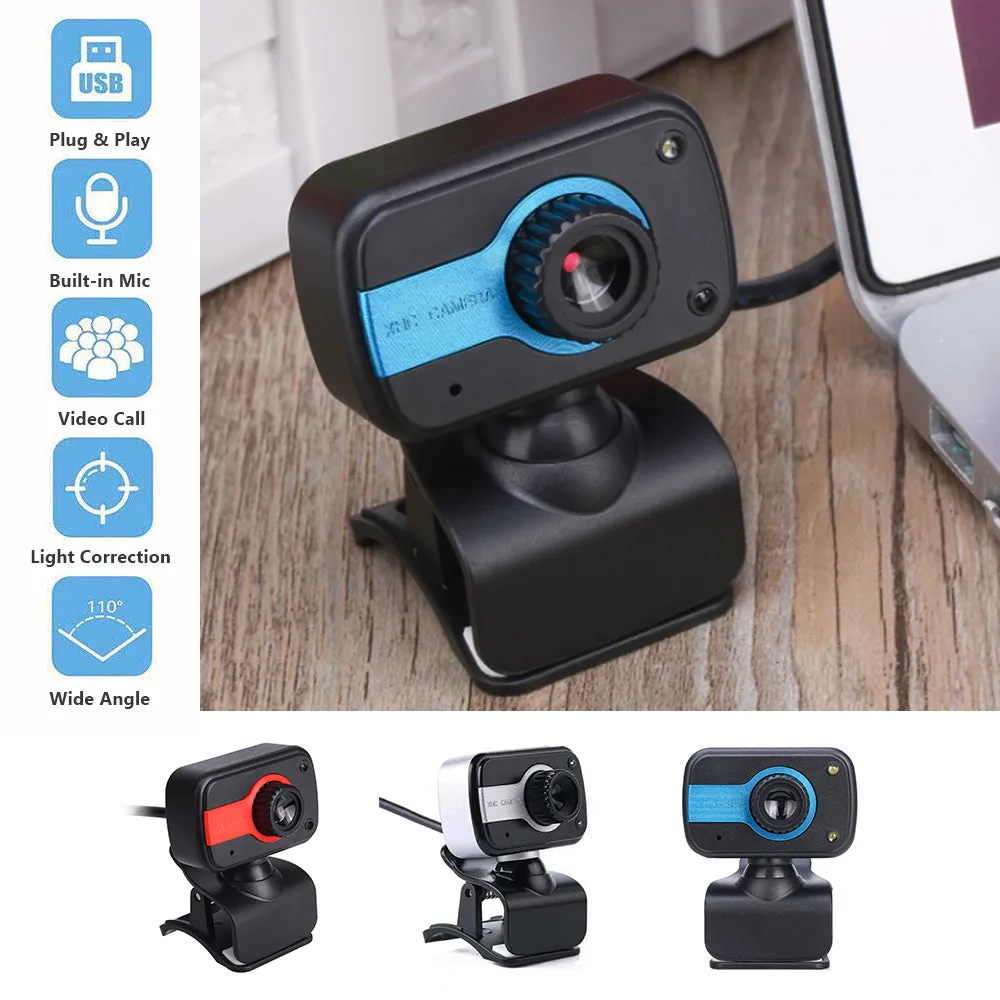
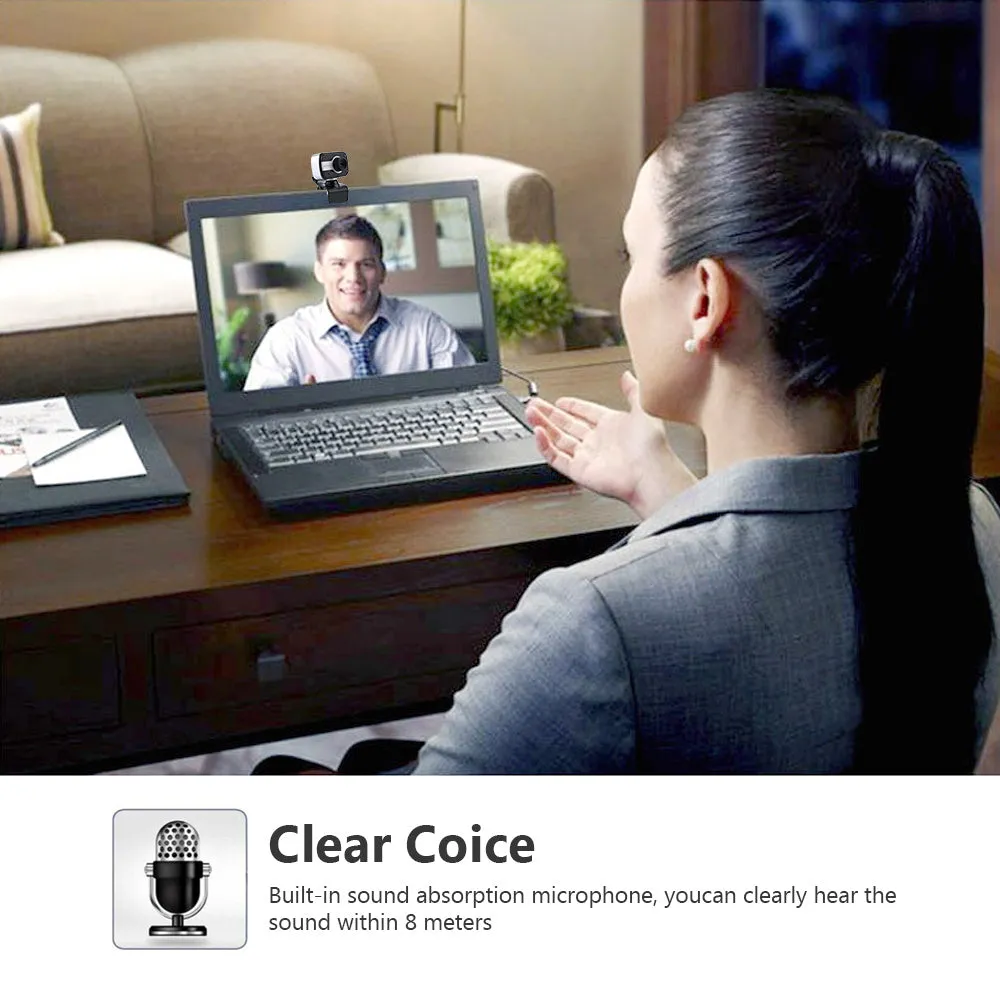
A built-in microphone is integrated into the unit, capturing sound alongside the video feed for a complete communication package. The physical stand features a 360-degree rotating function, enabling you to swivel the camera head horizontally to cover a wide field of view or to frame different participants without moving the base. The housing is available in three distinct colour finishes: Blue, Red, and White.
Uses and Placement
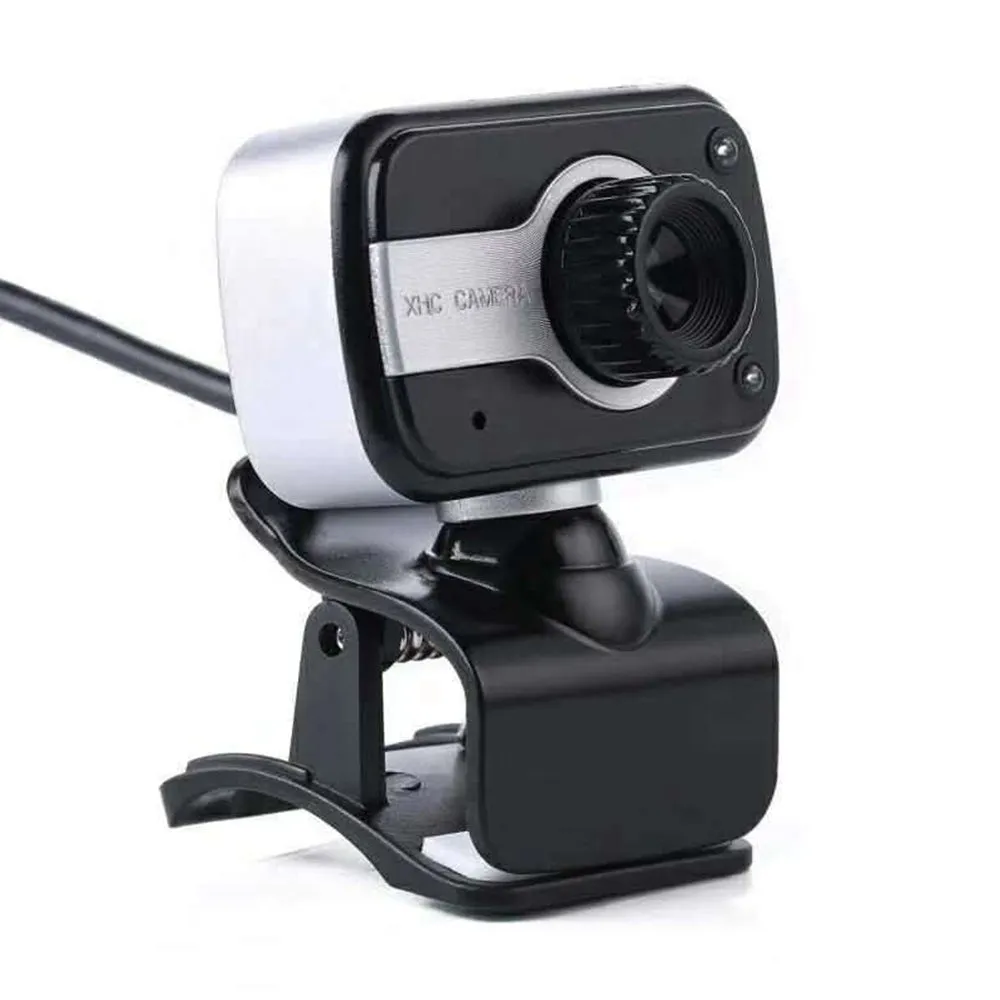
This camera serves a clear role in both professional and personal digital communication, acting as a visual conduit for a variety of online interactions.
Event or Professional Use
For business and professional settings, the camera is suitable for one-to-one video calls, small team meetings, webinars where the presenter is on camera, and remote interviews. Its compatibility with standard conferencing software like Skype for Business (via NetMeeting support on older systems) and its manual focus allow for a degree of presentation control. The 360-degree rotation can be used to pan across a small group or to alternate between a speaker and a presentation board.
Everyday Home Use
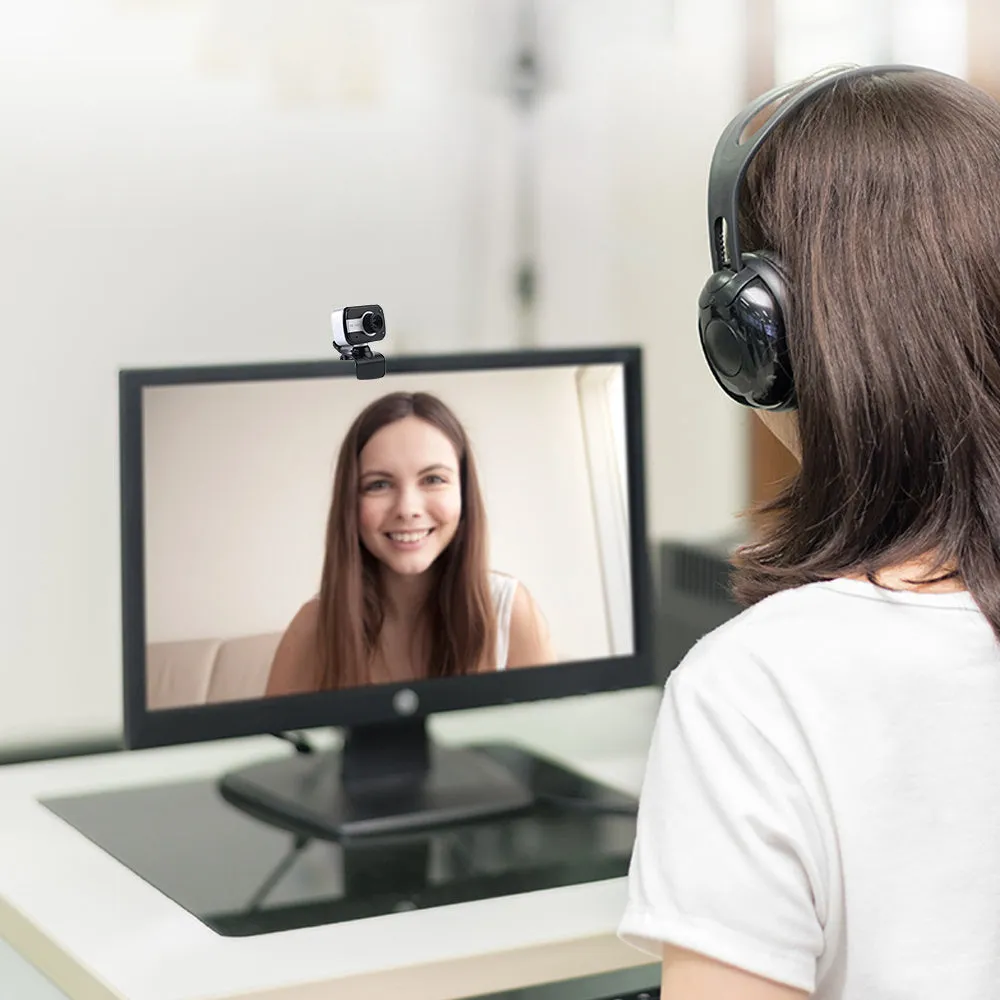
In a home environment, it functions as a webcam for keeping in touch with friends and family on social messaging apps, for online tutoring, or for streaming casual content. The plug-and-play nature makes it easy to set up for occasional use, and the variety of colours allows it to blend with or accent a desktop setup.
Benefits and Buying Value
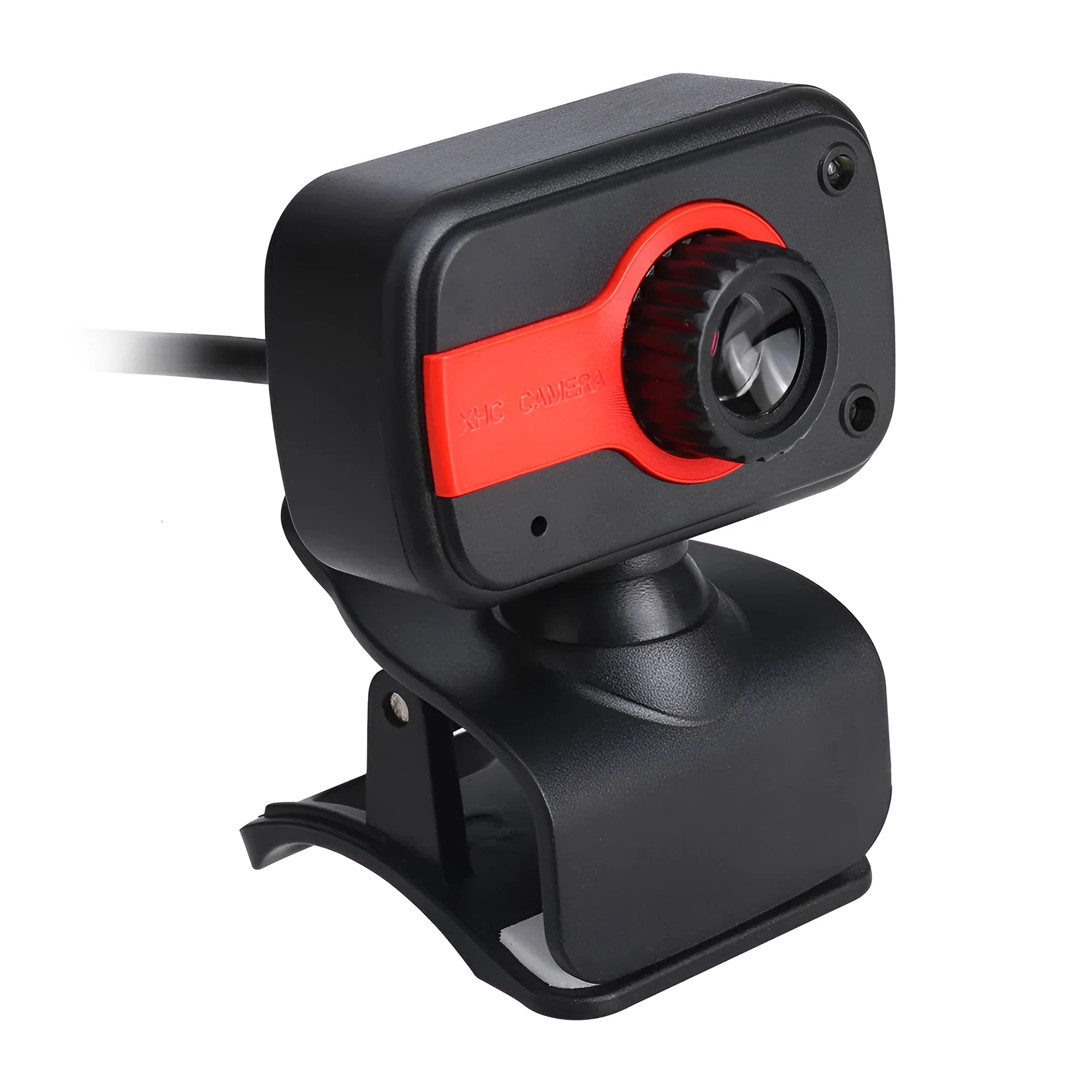
The value of this product lies in its specific feature set that addresses common needs in basic video communication, offering user control where many entry-level models do not.
Reuse and Low Maintenance
As a driverless device for supported operating systems, it can be quickly connected to different compatible computers without reinstalling drivers, promoting reuse across multiple machines. The lack of moving parts beyond the rotation mechanism and the absence of batteries contribute to a low-maintenance profile; care simply involves keeping the lens clean and avoiding damage to the USB cable.
Why Choose This Product
This camera is a relevant choice if you require a straightforward video input device with the added utility of manual focus adjustment and full rotation, features not always present in basic webcams. Its defined compatibility list with older Windows systems (2000, XP, Vista) also makes it a potential solution for legacy hardware setups that still need video communication capability. The choice between Blue, Red, and White finishes offers a minimal level of personalisation for your workspace.