
T9PLUS Single-handed Gaming Keyboard 29 Buttons Mechanical Mini Keypad with Wrist Support USB Wired for Desktop Laptop Tablet Windows 10 Backlighting Effects English Layout Black Ergonomics Mini Design


T9PLUS Single-handed Gaming Keyboard 29 Buttons Mechanical Mini Keypad with Wrist Support USB Wired for Desktop Laptop Tablet Windows 10 Backlighting Effects English Layout Black Ergonomics Mini Design
T9PLUS Single-Handed Gaming Keyboard with 29 Mechanical Keys and 10 Backlighting Effects
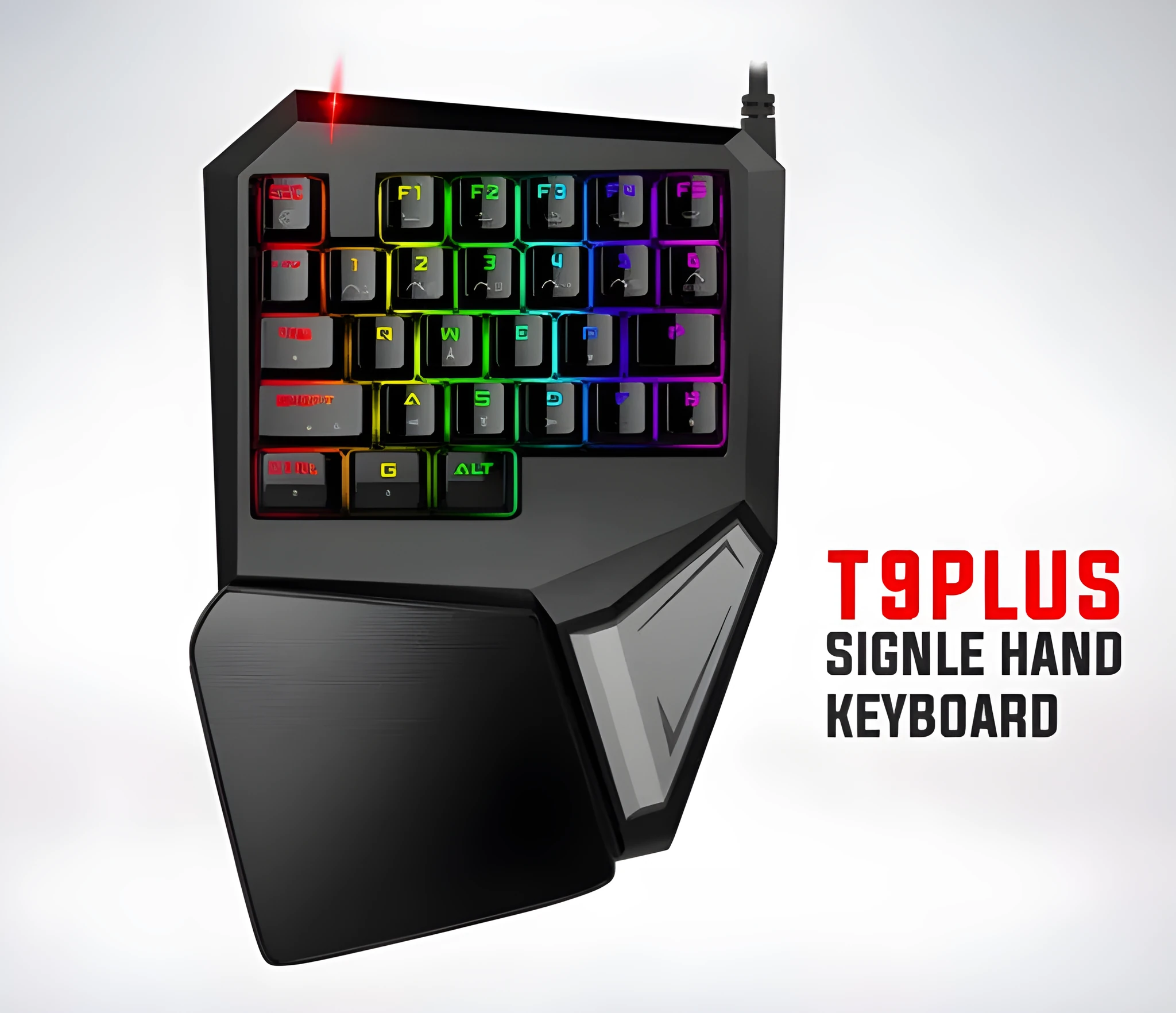
The T9PLUS single-handed gaming keyboard provides a practical alternative to full-size keyboards for desktop, laptop, and tablet gaming setups. With 29 mechanical buttons in a mini keypad form, it frees up desk space for wider mouse movement and reduces hand travel during gameplay. The wired USB connection works with Windows 2000, XP, Vista, 7, 8, and 10 systems, offering broad compatibility. This keypad includes wrist support and 10 backlighting effects for visual feedback, making it a straightforward choice for gamers who want a compact, reliable input device.
Features and Construction
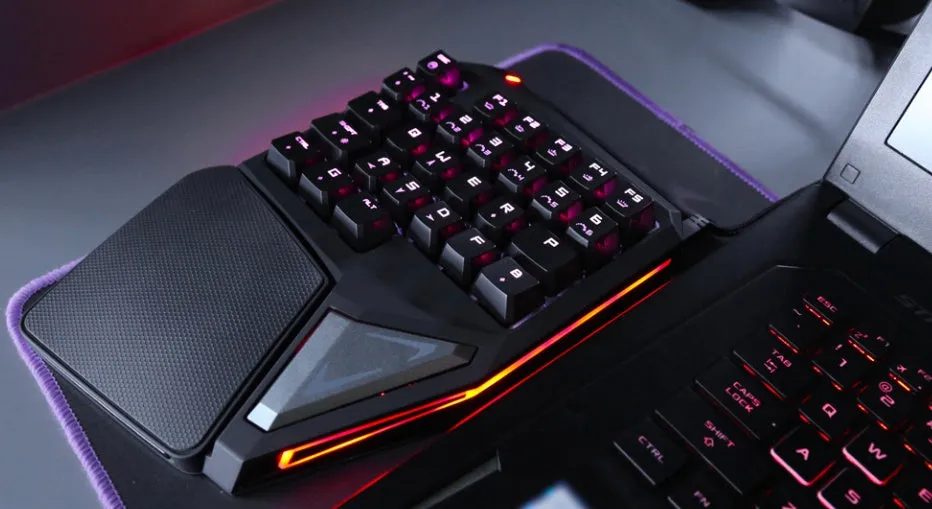
The T9PLUS mechanical keypad is built around a compact mini form factor with 29 dedicated keys, a wrist support pad, and a wired USB interface for reliable connectivity.
Mechanical Key Switches
The keypad uses mechanical key switches rated for a keystroke lifetime of at least 50 million times, providing consistent tactile feedback for gaming inputs. The English language layout is suited for standard gaming controls.
Backlighting and Visual Feedback
This keypad offers 10 backlighting effects that can be selected to match your gaming environment or personal preference. The lighting helps identify key positions in low-light conditions and adds visual feedback during gameplay.
Wrist Support and Ergonomics
The included wrist support helps maintain a more natural hand position during extended gaming sessions. The ergonomic design focuses on reducing strain by keeping the keyboard area compact, allowing your mouse hand more room on the desk.
Uses and Placement
This single-handed keypad is designed for gaming use where space is limited or where a traditional keyboard feels too large. Its wired USB connection makes it easy to set up on most Windows-based devices.
Desktop and Laptop Gaming
On a desktop, the T9PLUS keypad sits to the left of the mouse, giving you dedicated gaming controls without the bulk of a full-size keyboard. For laptop gamers, it provides a separate input device that can be placed wherever comfortable.
Tablet and Mobile Setup
The keypad can also be used with tablets that support USB or USB-OTG connections, offering physical keys for gaming or productivity on mobile devices where screen-only controls are less precise.
Professional and Everyday Use
Beyond gaming, the 29-key layout can be used for shortcut commands, data entry, or any task where a compact, single-handed input device is preferable. The mechanical switches provide a clear actuation point for repeated pressing.
Benefits and Buying Value
The T9PLUS mechanical keypad offers practical advantages for gamers and users who value desktop space and ergonomic input without the need for a full keyboard.
Space-Saving Design
With only 29 keys, this keypad reduces the keyboard footprint on your desk, leaving more room for mouse movement and other peripherals. Its compact size is also easier to transport between setups.
Durable Mechanical Switches
The mechanical key switches are rated for at least 50 million keystrokes, providing a long service life compared to membrane keyboards. This makes the keypad a practical investment for frequent gaming use.
Low-Maintenance Usage
As a wired device with no batteries to replace and a simple plug-and-play connection under Windows, the T9PLUS keypad requires minimal upkeep. The backlighting effects can be switched off to extend LED life if desired.