Lightning to HDMI TV Cable Adapter for iPhone 5 to 11 Pro Max Supports IOS 9-13 1080P HD Audio Video Transmission High Speed Conversion Chip Plug and Play Black White Red


Lightning to HDMI TV Cable Adapter for iPhone 5 to 11 Pro Max Supports IOS 9-13 1080P HD Audio Video Transmission High Speed Conversion Chip Plug and Play Black White Red
Lightning to HDMI TV Cable Adapter for iPhone 5 to 11 Pro Max 1080P HD
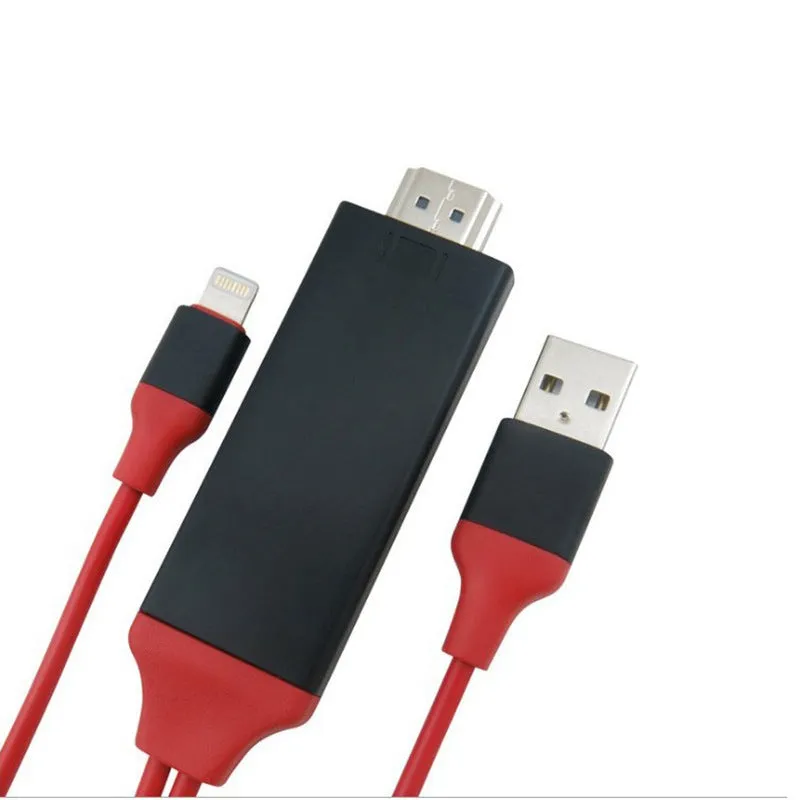
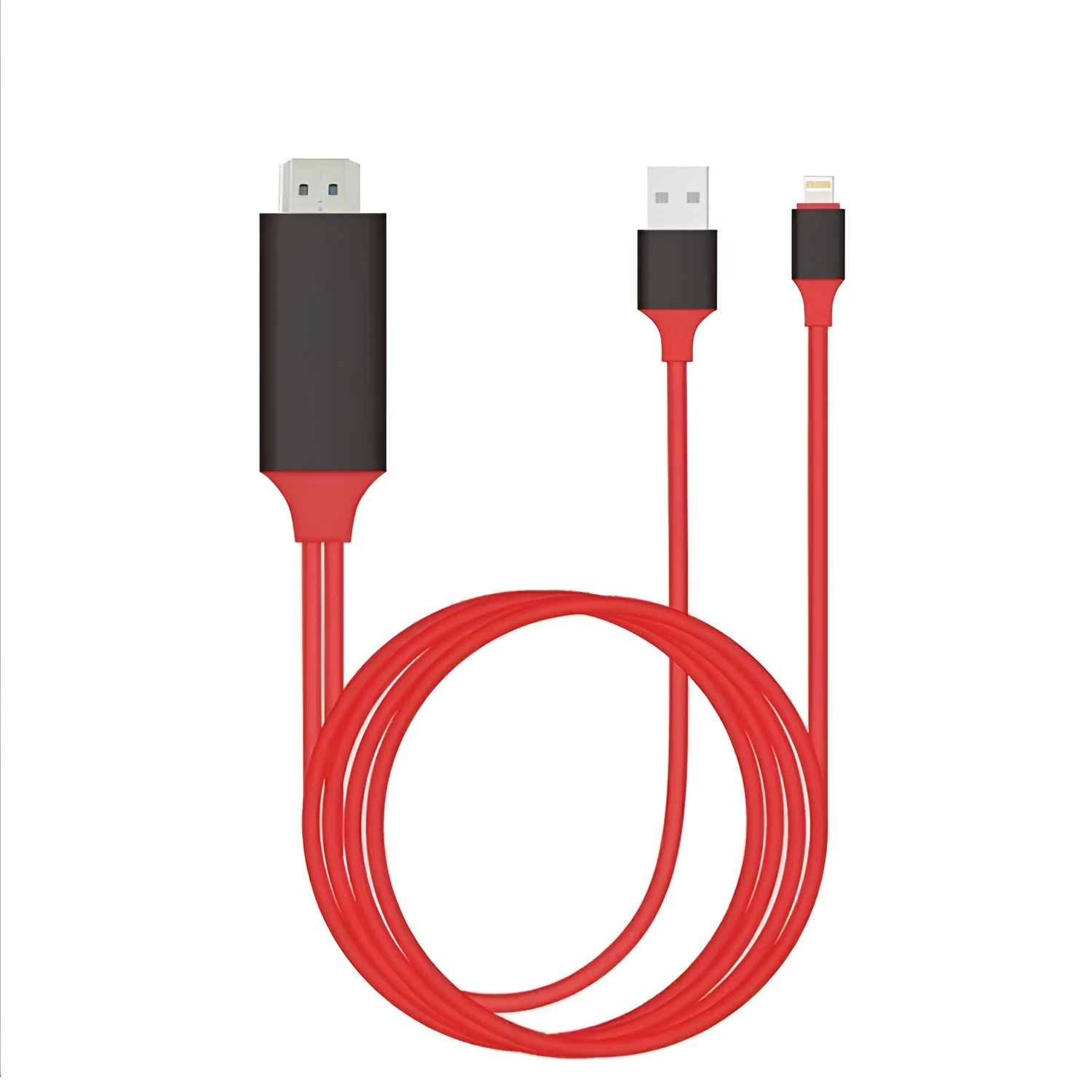
Streaming phone content to a TV usually requires a smart TV or extra devices, but this Lightning to HDMI adapter offers a direct wired solution. Compatible with iPhone models from 5 through 11 Pro Max, it supports IOS 9 to IOS 13 systems and synchronises with official Apple updates. This adapter transmits 1080P HD audio and video, making it suitable for watching films, sharing holiday photos, or delivering presentations on a larger screen without relying on Wi-Fi or AirPlay.
Features and Construction
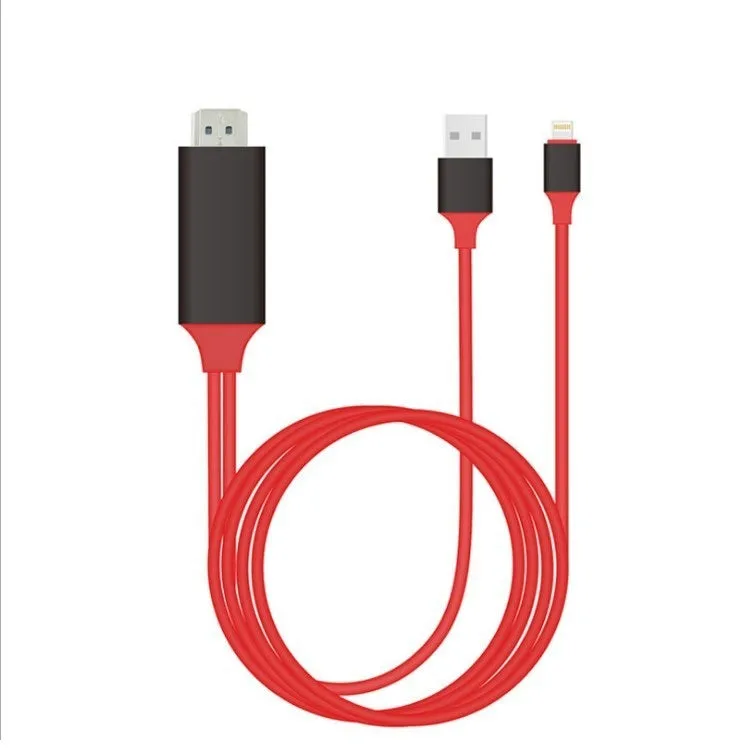
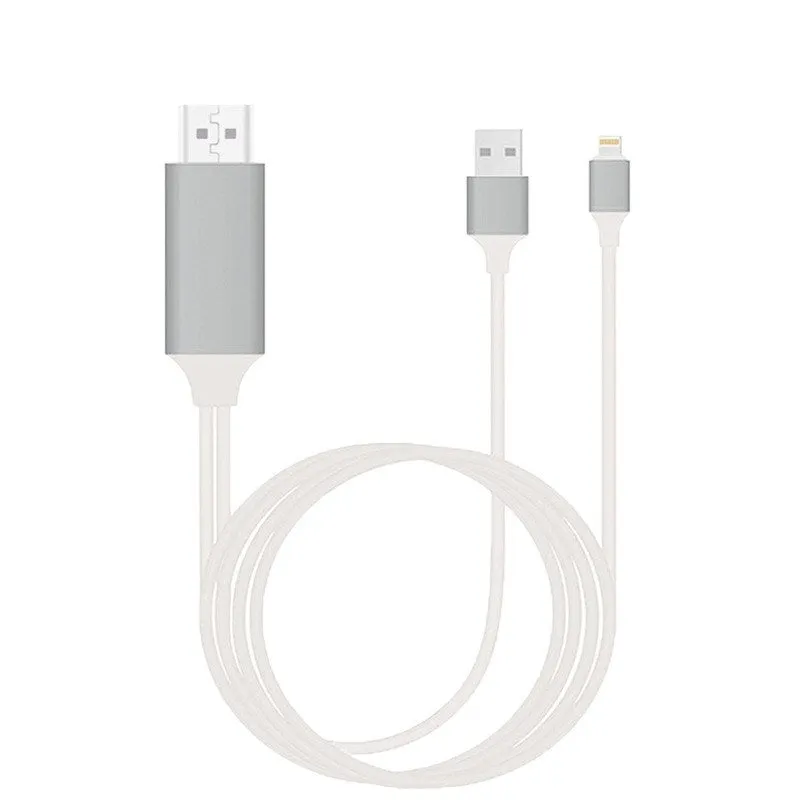
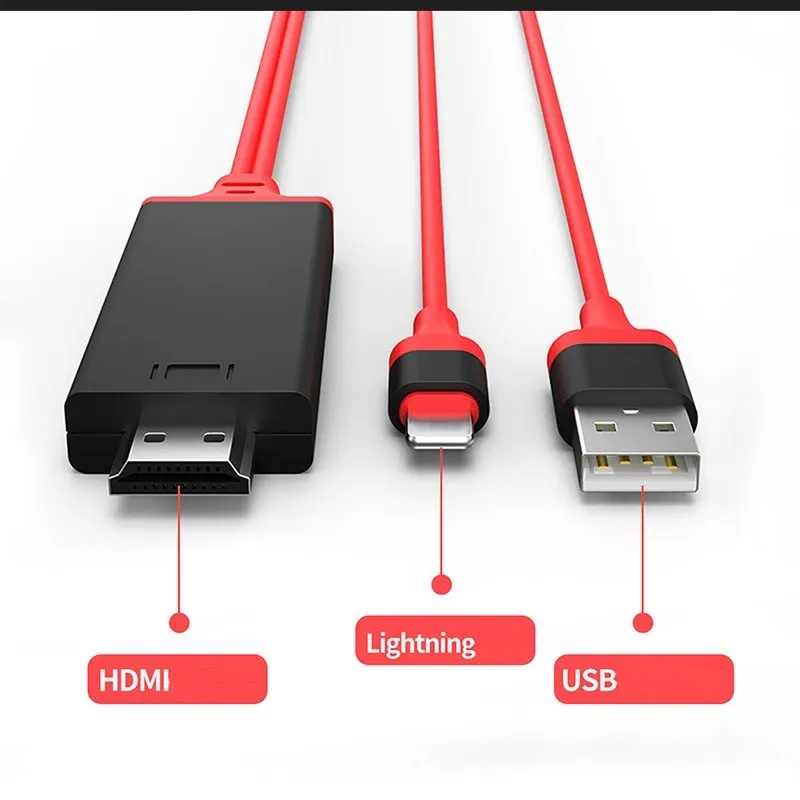
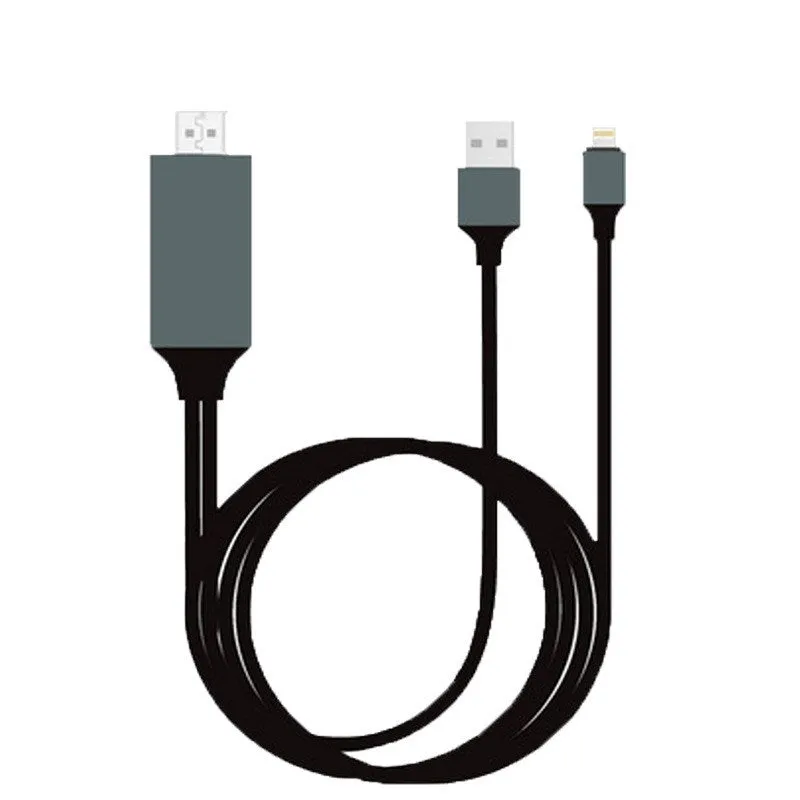
The adapter combines a Lightning connector with an HDMI output, using a built-in high-speed conversion chip to handle signal processing. It is designed for straightforward, reliable operation with compatible Apple devices.
High-Speed Conversion Chip
Inside the adapter sits a high-speed conversion chip that processes video and audio signals from the iPhone. This chip handles the conversion from the Lightning output to HDMI format, enabling 1080P HD transmission. The chip supports the official system synchronisation update, keeping performance in line with Apple's IOS updates.
Reversible Lightning Plug
The Lightning connector is designed for front and back insertion, meaning you do not need to check orientation before plugging in. This makes connecting the cable quicker and reduces wear over repeated use. The plug supports plug-and-play operation without additional setup or driver installation.
Compatibility and System Support
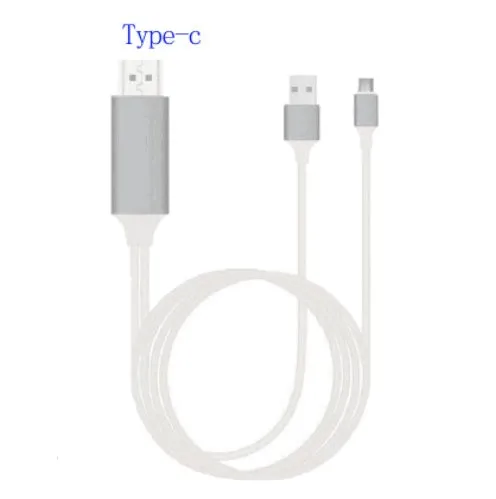
This adapter works with Apple iPhone models 5 through 11 Pro Max and supports IOS versions 9 through 13. It also stays compatible with official system updates, ensuring continued function as Apple releases new software versions.
iPhone Model Support
The cable is compatible with iPhone 5, 5s, 6, 6 Plus, 6s, 6s Plus, SE, 7, 7 Plus, 8, 8 Plus, X, XR, XS, XS Max, 11, 11 Pro, and 11 Pro Max. Users with these models can connect directly to an HDMI-equipped TV or monitor.
IOS Version Compatibility
Supporting IOS 9 through IOS 13, this adapter works with a wide range of software versions. It updates its software version synchronously with the Apple system, so when you update your iPhone, the adapter remains compatible.
Usage and Setup
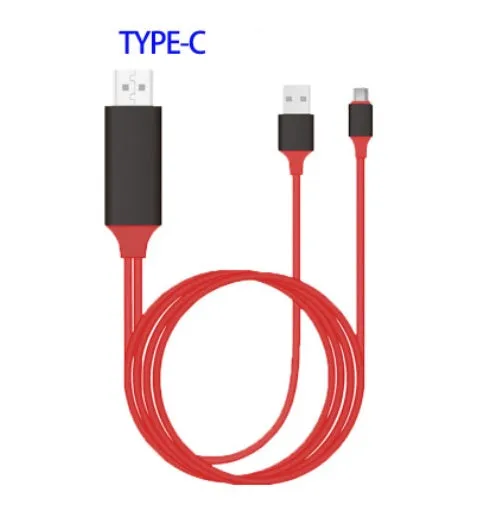
Setting up the adapter is simple and does not require extra apps or configuration. The process involves three steps: connecting the cable to your phone and TV, providing power, and waiting for the link to establish.
Connection Steps
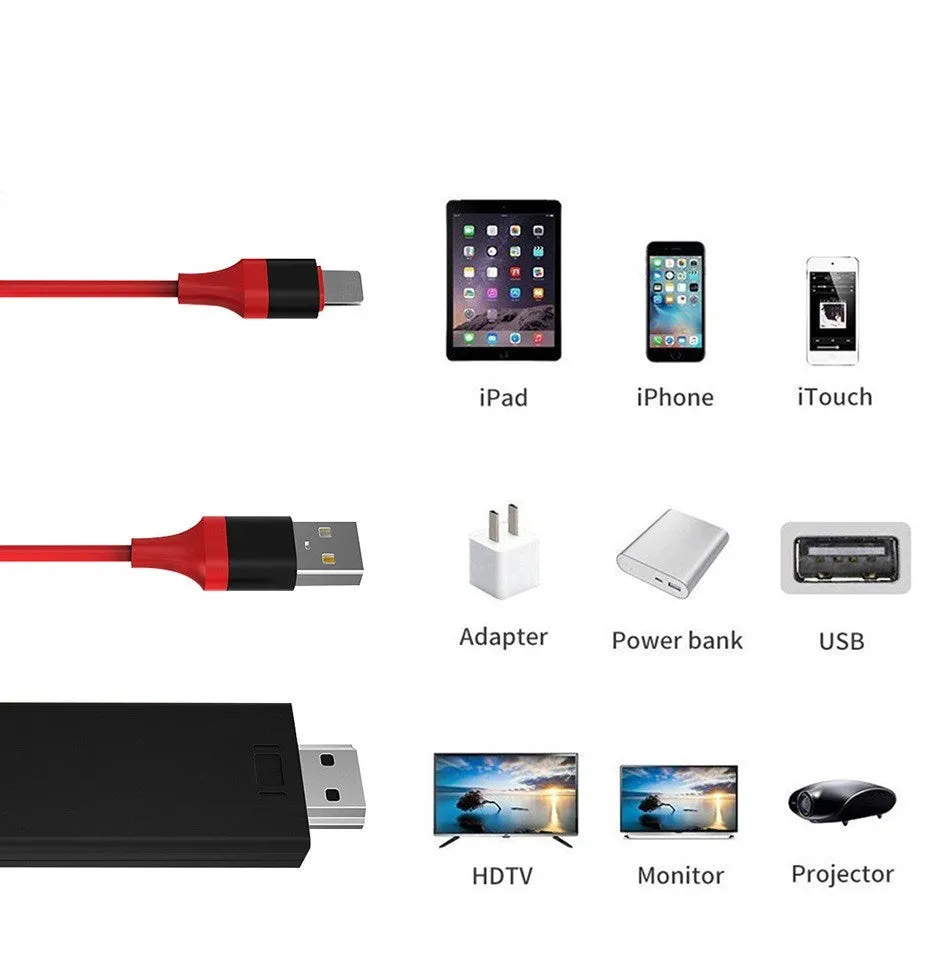
First, plug the Lightning end into your iPhone and the HDMI end into your TV. Then, connect the USB port to a 5V power source such as a USB wall charger. Wait about 10 seconds; the phone will then show the screen on the TV. The Lightning plug works both ways, so you can insert it without checking orientation.
Power Requirement
The cable requires a 5V power supply through its USB port to function. This power can come from a standard USB phone charger or a USB port on a computer. Without power, the adapter will not transmit the video signal.
Benefits and Buying Value
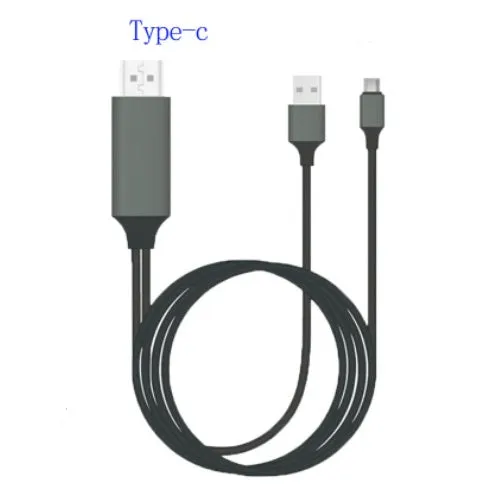
Using a wired Lightning to HDMI adapter provides a stable, low-latency connection compared to wireless streaming options. It avoids Wi-Fi interference and does not require a smart TV or streaming device.
Stable HD Video Output
With support for 1080P HD audio and video, the adapter delivers clear picture and sound on compatible TVs. The high-speed conversion chip ensures smooth playback without stuttering or lag.
Plug-and-Play Simplicity
No driver installation or app setup is needed. The device works as soon as it is connected and powered. This simplicity makes it ideal for quick presentations or spontaneous movie watching.